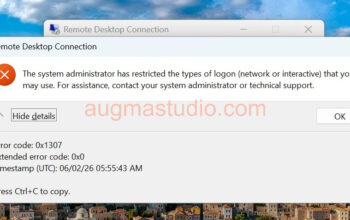
On last week Friday I was encountered an issued to prevent me from join a Windows 10 device into Azure AD, and it prompt with “User xxxxx is not eligible to enroll a device of type ‘Windows’. Reason ‘DeviceCapReached’.”(see below screenshot) And I’ve tried with several times keep getting the same error until I’ve realized that I was using a different low privilege admin account which can only join devices into Azure AD with maximum of 5. In this post I’ll show you how to resolve this issue if you ever experienced.

The reason that I’ve encountered this issue is quite simple like I mentioned above, it is because that low privilege admin account was set with default quota of 5 maximum device that can be joined by this account. Btw, this is the default quota for a user can join number of devices into Azure AD.
To resolve this following below steps:
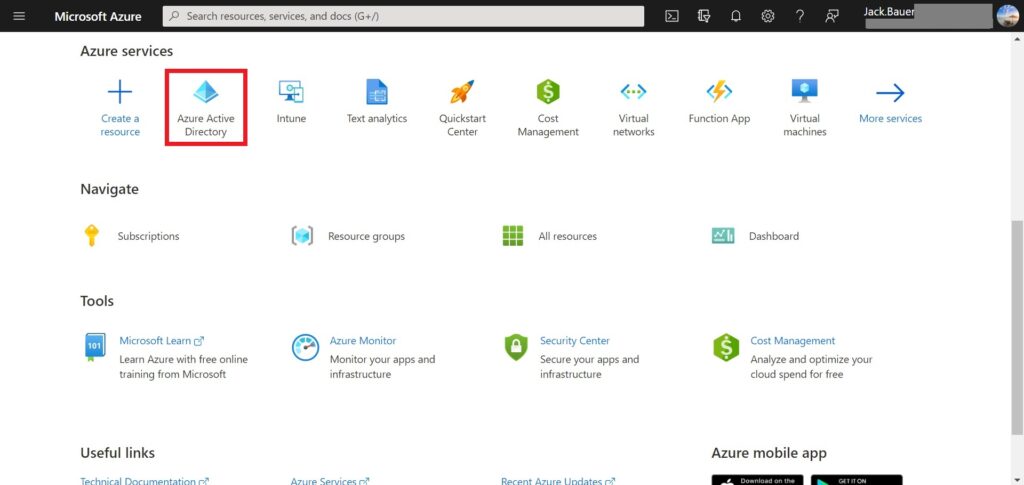
1. Go to https://portal.azure.com > Azure Active Directory.
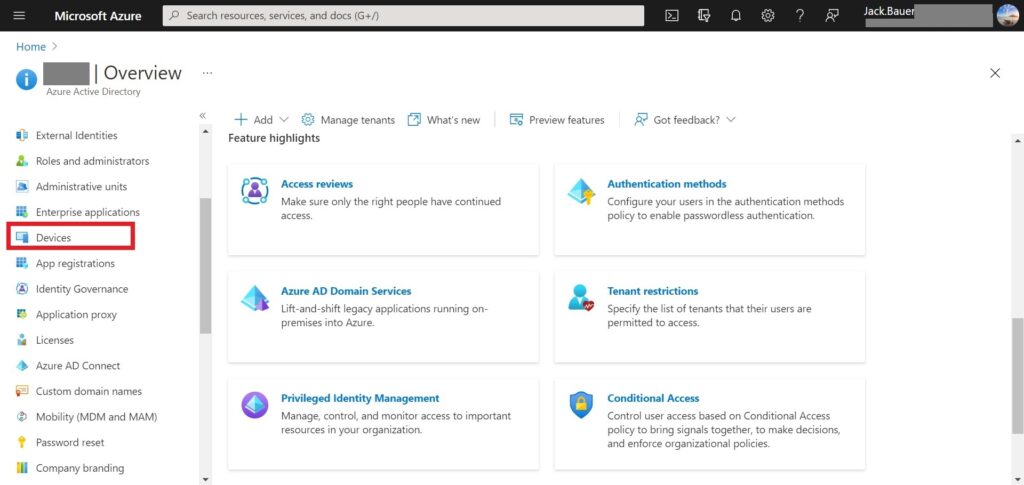
2. Go to “Devices”.
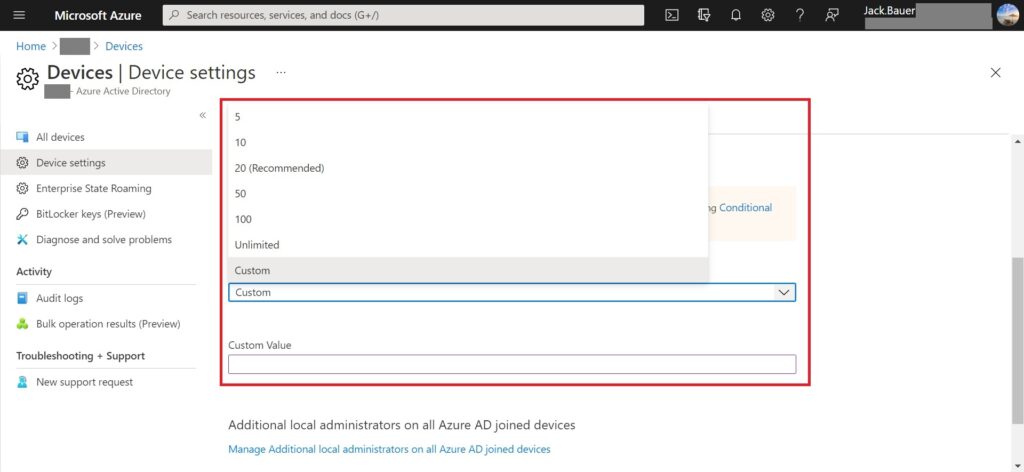
3. Click “Device settings” > scroll down then you can find “Maximum number of devices per user”.
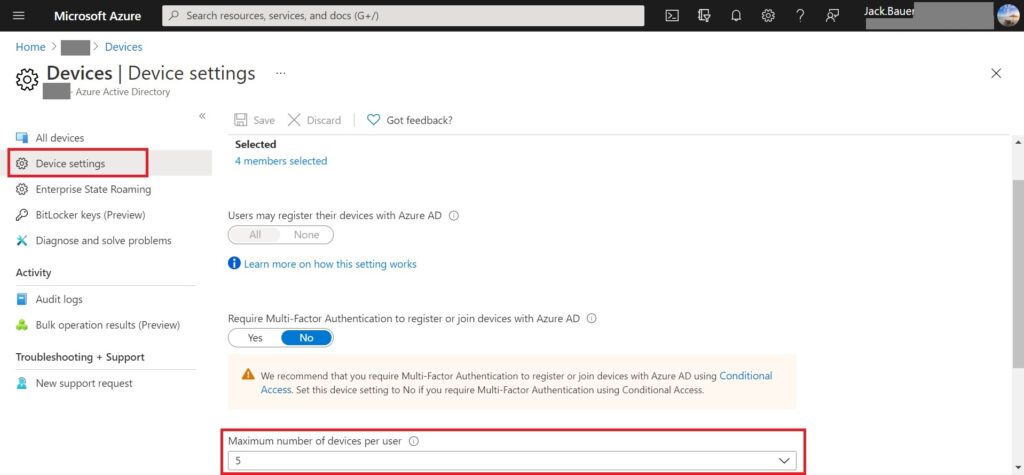
4. When you click the options you can select the values from the drop-list. (In my case I’ll go with 50)
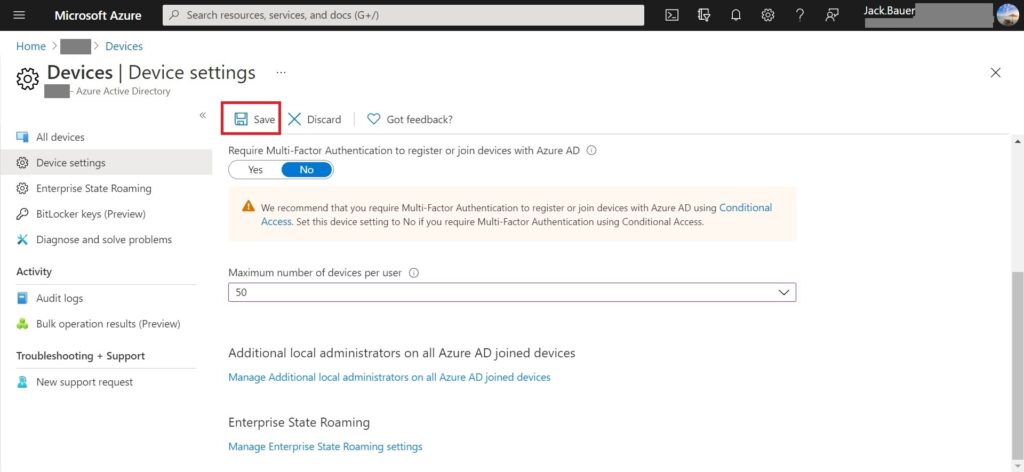
5. Then you click “Save” to preserve you changes.
Be sure you make “Users may join devices to Azure AD” set to “Selected”, you absolutely do not want everybody in your organization have the rights to join massive device to your AAD especially from personal one.