On last week Thursday (Oct 5th, 2023), Microsoft made the new Teams client generally available on Windows and Mac with education customers. The new Teams client was re-build from the ground up to overhaul the platform (which by leverage WebView2) to optimize the data, network, chat, and video architecture for speed and performance. As per Microsoft’s test its twice faster than the Classic Teams client with lower resource consumption. You can obtain the new Teams desktop client via this link.

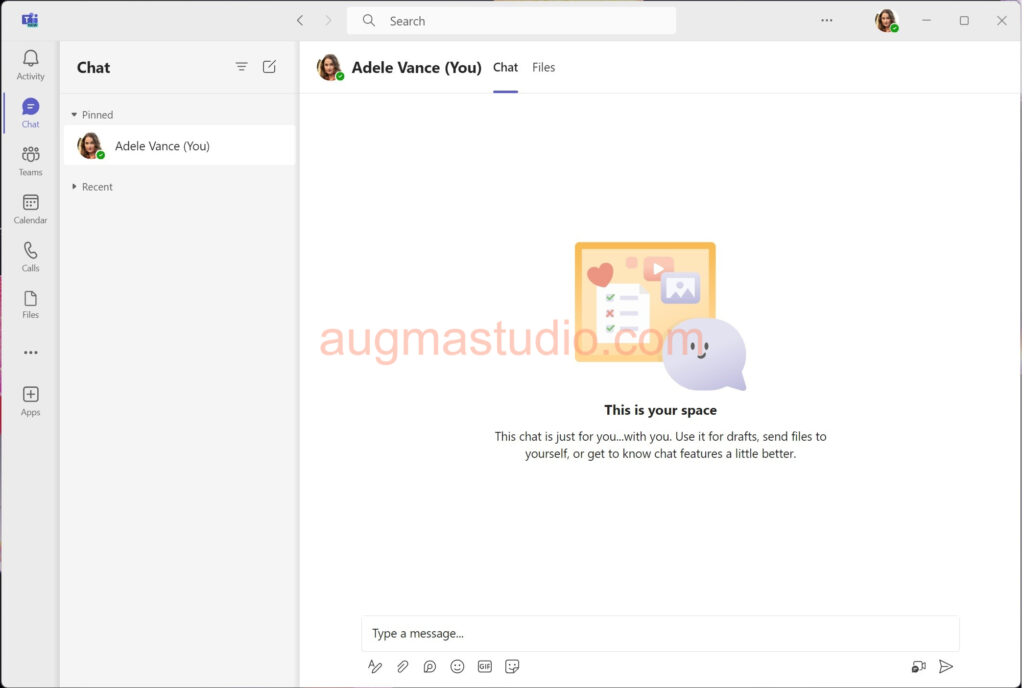
As an individual how can I upgrade to the new Teams client
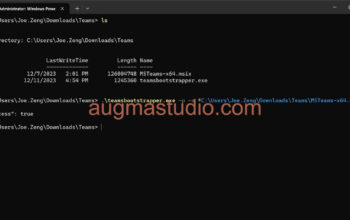
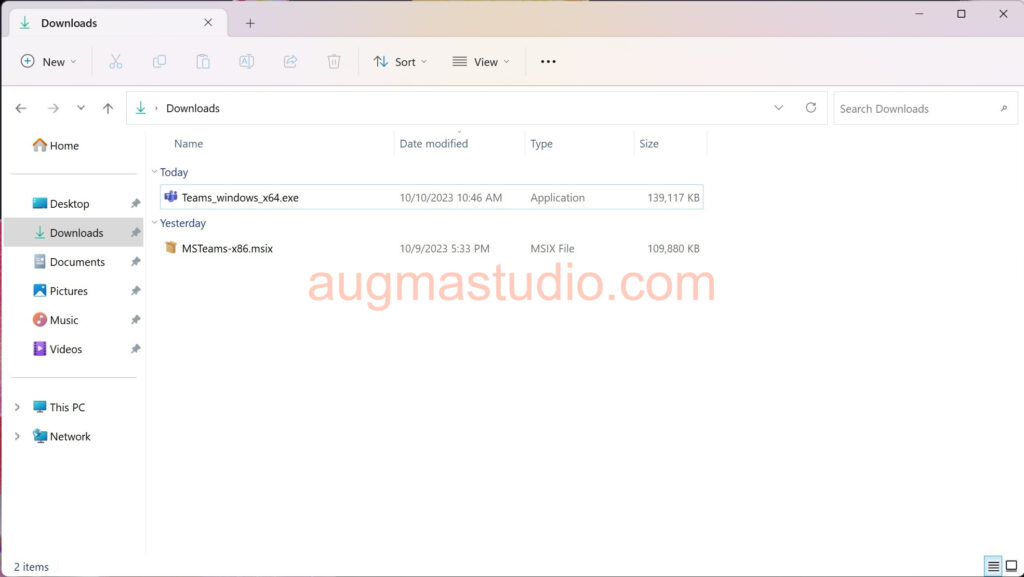
For individual or someone who desperate to upgrade from the Classic Teams client to the new one, you may simply download from the Microsoft site via this link and install directly. Note the new Teams client were packaged with .msix format which totally differ from the Classic Teams with .exe format.

As an administrator how can I push the new Teams client to my organization
Before you preparing to push the new Teams client to your organization, please check the following pre-requisites:
- No security restrictions are set to prevent Microsoft Teams from get updated or installed.
- All Windows devices are running OS with version of Windows 10.0.19041 or higher.
- GPO Policies enabled for both “Prevent non-admin users from installing packaged Windows apps” & “Allow all trusted apps to install”
- WebView2 automatically update must be enabled
Once above perquisites are all checked, then you may proceed the following steps:
- Login to Microsoft Teams admin center via https://admin.teams.microsoft.com
- Locate to left side panel > Teams > Teams update policies
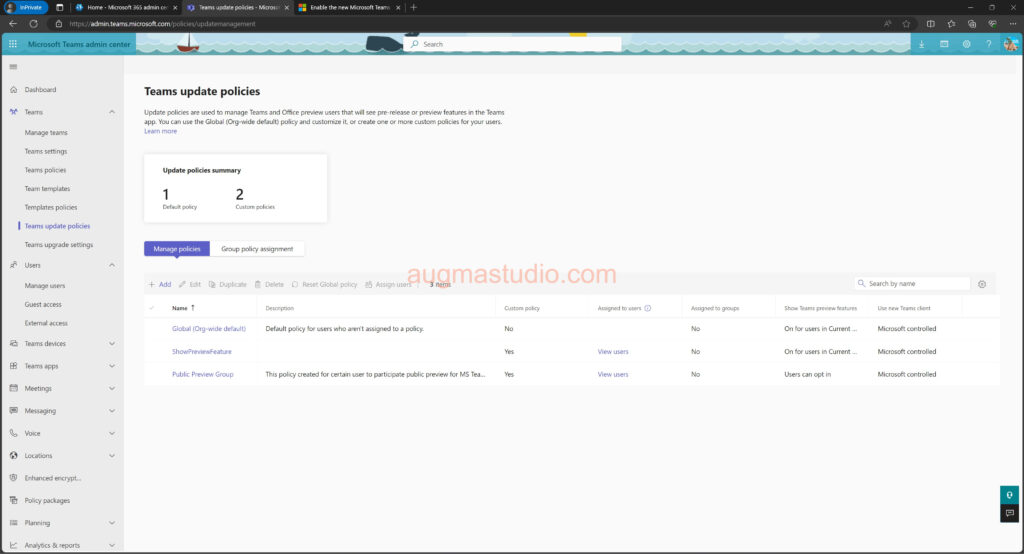
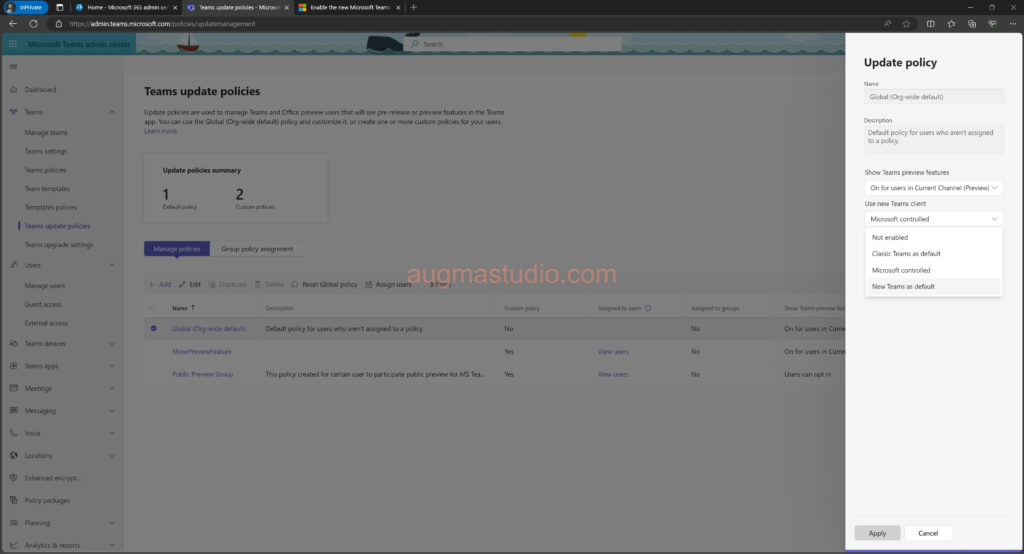
- Click “Global (Org-wide default)” update policy > select New Teams as default or Microsoft controlled > then click Apply > Confirm.
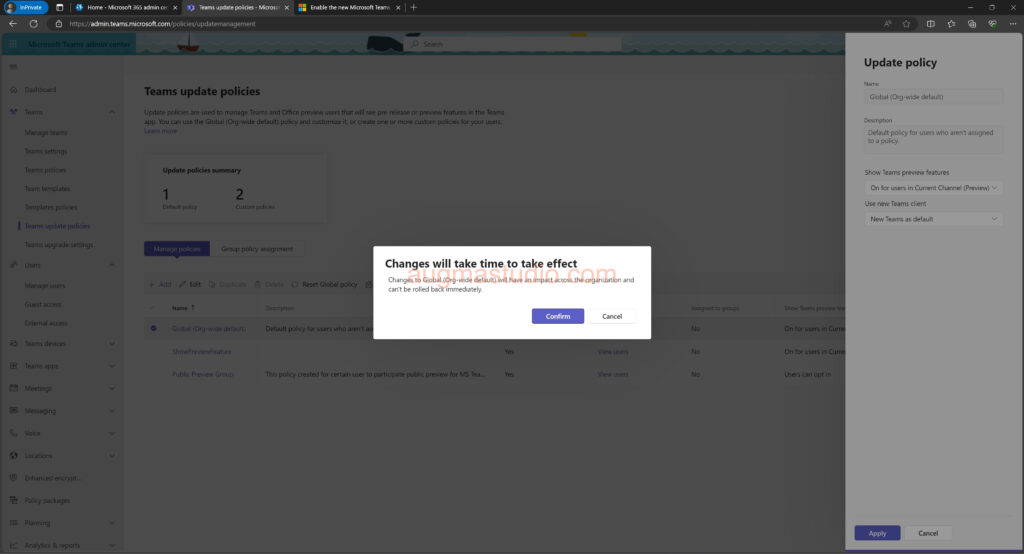
It will take a while to made this changes organization wide available.
When will the new Teams become the default client
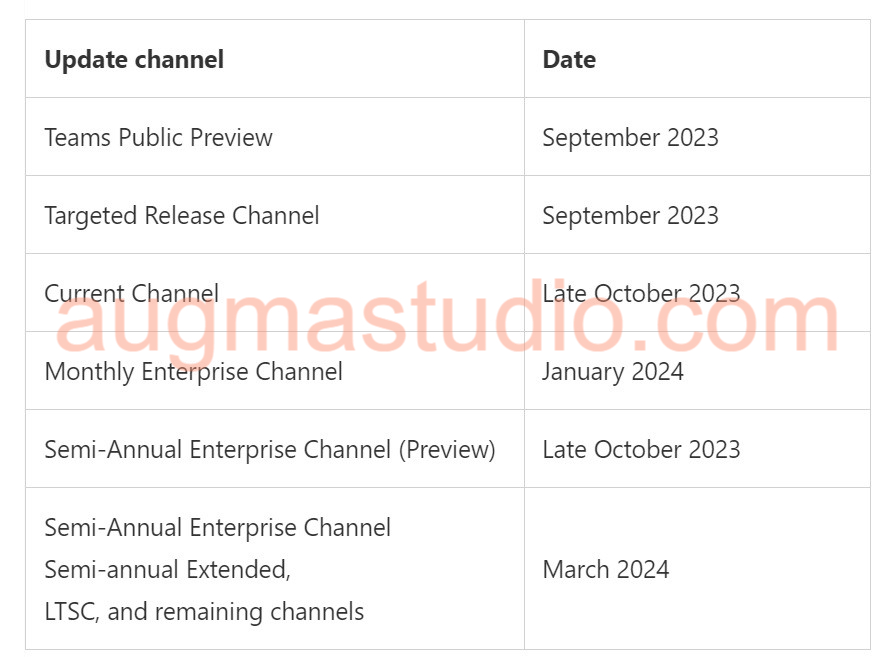
According to Microsoft’s announcement, existing Teams users are updated to the new Teams as their default client per the Office365 Update Channel. Refer to the following table below. For a certain period, they will have the ability to switch back to the Classic Teams before this option is completely removed.
Reference
https://learn.microsoft.com/en-us/microsoftteams/new-teams-deploy-with-m365apps
https://www.microsoft.com/en-us/microsoft-teams/download-app
https://learn.microsoft.com/en-us/deployoffice/updates/overview-update-channels
https://learn.microsoft.com/en-us/microsoftteams/new-teams-bulk-install-client
https://learn.microsoft.com/en-us/microsoftteams/new-teams-desktop-admin